Dashboard · Grow
Channels (Klook)
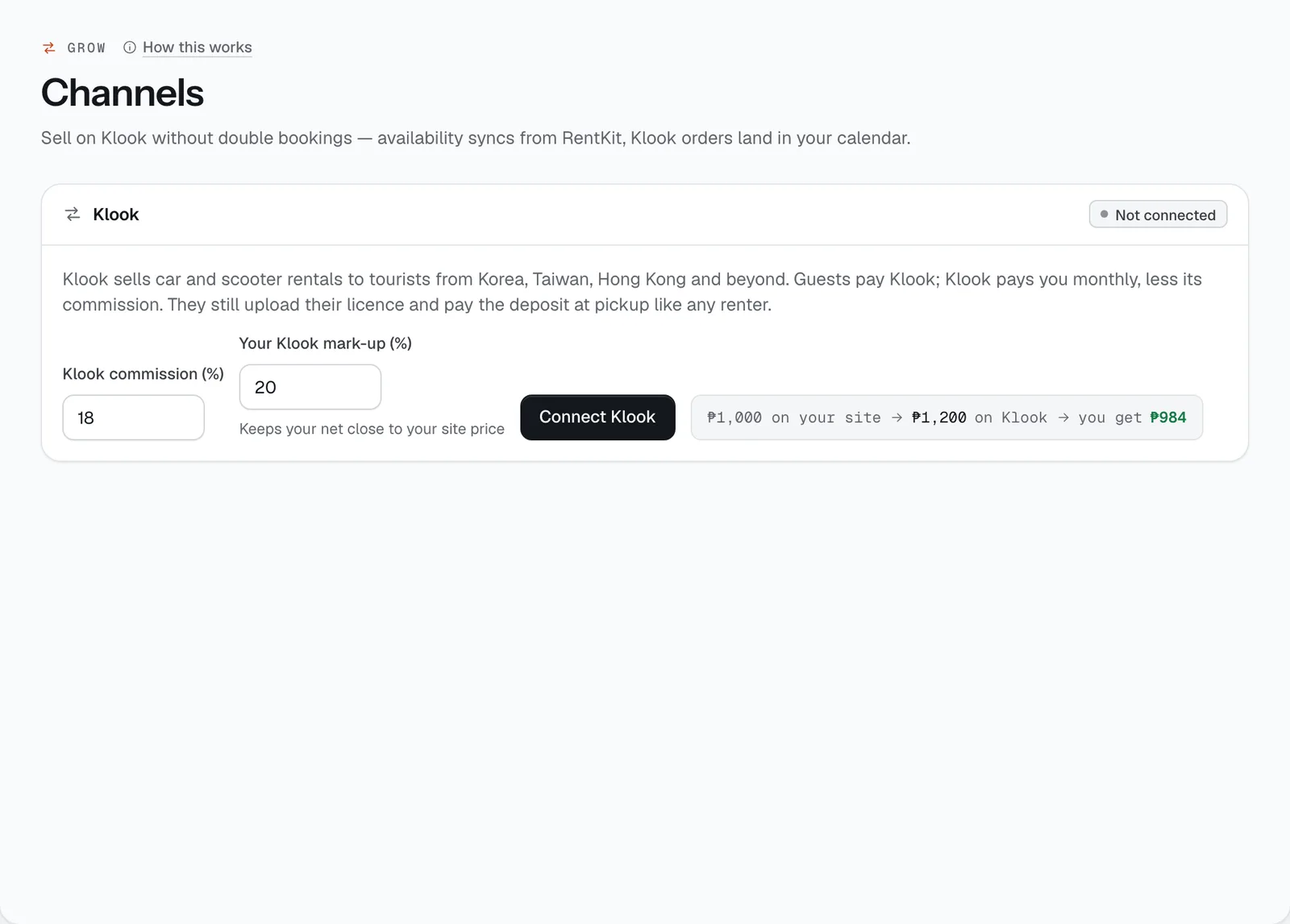
Sell your cars and scooters on Klook to tourists from Korea, Taiwan, Hong Kong and beyond, without double bookings: your availability goes to Klook automatically, and Klook orders land in your calendar as bookings.
- Where
- Grow → Channels (Klook)
- Who can use it
- Owners and managers.
- Plans
- Every plan.
- Checked
- Sep 25, 2026
What you can do
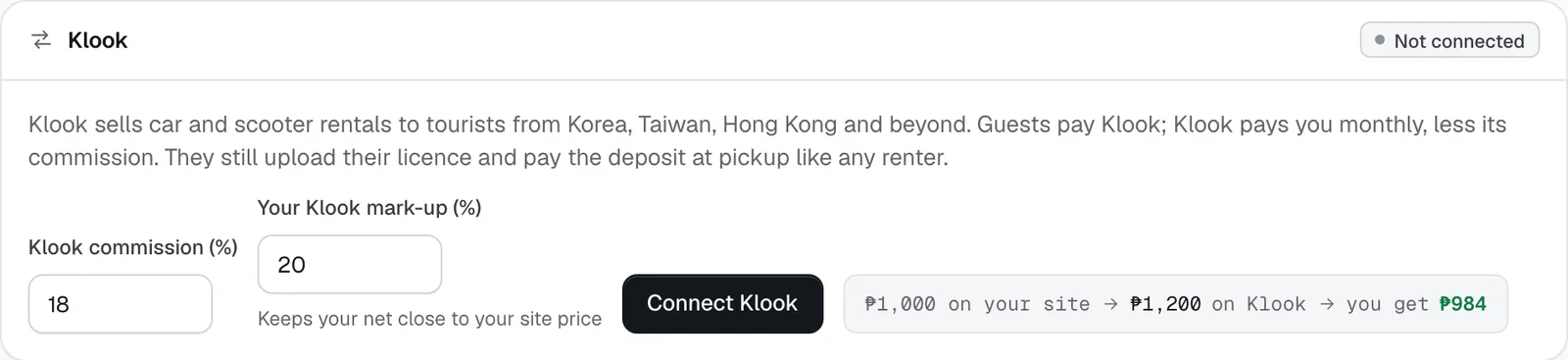
- Connect Klook with your Klook commission (%) and Your Klook mark-up (%), then Connect Klook (later, Save to change them).
- See what a ₱1,000 day on your site becomes on Klook, and what you get after commission, before you save.
- Choose which vehicles to list with the tick box in Listings, next to Your rate and the Klook rate.
- Follow Listed on Klook, Klook bookings, Klook owes you and Last availability sync.
- See every order under Klook orders: what the guest paid Klook, what you get, and when it was paid out.
- Record payout when Klook’s monthly payment reaches your bank.
How it works
- Prices. Your Klook rate is your daily rate plus your mark-up. With the defaults — 18% commission, 20% mark-up — a ₱1,000 day sells for ₱1,200 on Klook and you get ₱984. The mark-up keeps what you earn close to your own site price. Commission can be 0–40%, mark-up 0–50%.
- Only active vehicles with photos can be listed.
- Availability sync. For every listed vehicle, CeeRent sends Klook the dates it’s taken — held, confirmed and on-rent bookings, plus dates you blocked. It syncs regularly in the background, and straight away when you list a vehicle or a Klook order comes in. Last availability sync shows when your dates last changed on Klook. A car booked on your site disappears from Klook for those dates.
- A Klook order becomes a booking already paid (the guest pays Klook). CeeRent creates the customer if they’re new, confirms the booking at the price the guest paid, and records what Klook owes you after commission. The guest is emailed to upload their driver’s licence before pickup and to bring a card or wallet for the refundable deposit — they verify and pay the deposit like any renter. You get a notification.
- Double bookings are declined. If an order arrives for dates the car is already taken, CeeRent turns it down and tells Klook, which refunds the guest. You get a notification so you can check your listings.
- Payouts. Klook pays monthly. When the money arrives, tap Record payout and enter the amount received. CeeRent marks orders as paid out, oldest trip first, as far as the amount covers whole orders, and adds the payment to your ledger. Cancelled Klook bookings drop out of what Klook owes you.
- Klook bookings are counted as “Klook” in Reports.
- Your Klook mark-up (%)
- Connect Klook
Still not sure how it works?
Ask a person, in Filipino or English — Mon–Sat, 8:00–20:00 PHT.