Dashboard · Money
Expenses
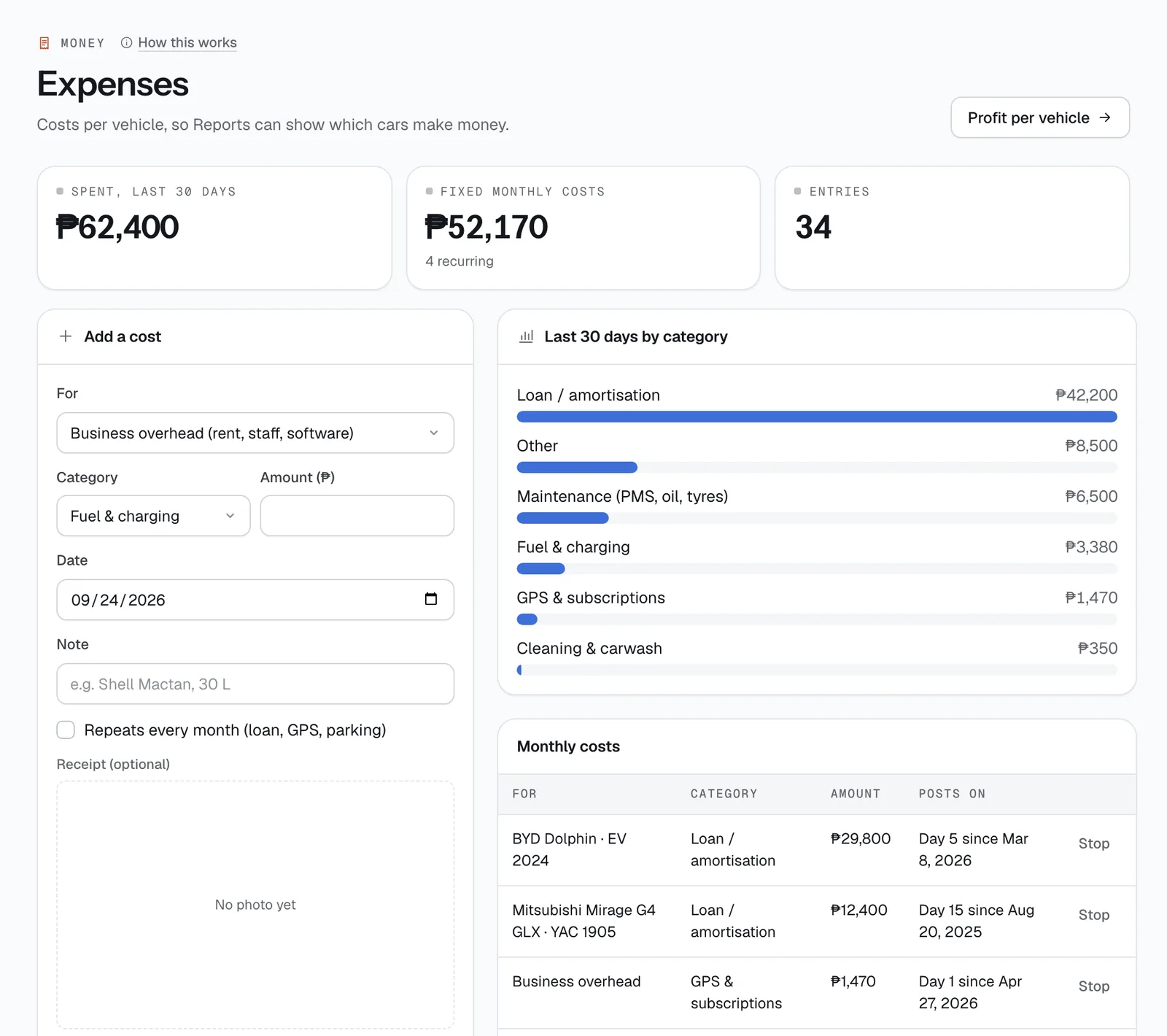
Log what your fleet costs — fuel, repairs, registration, loans — per vehicle or as general overhead, so Reports can show which cars actually make money.
- Where
- Money → Expenses
- Who can use it
- Owners, managers and accountants.
- Plans
- Every plan.
- Checked
- Sep 25, 2026
What you can do
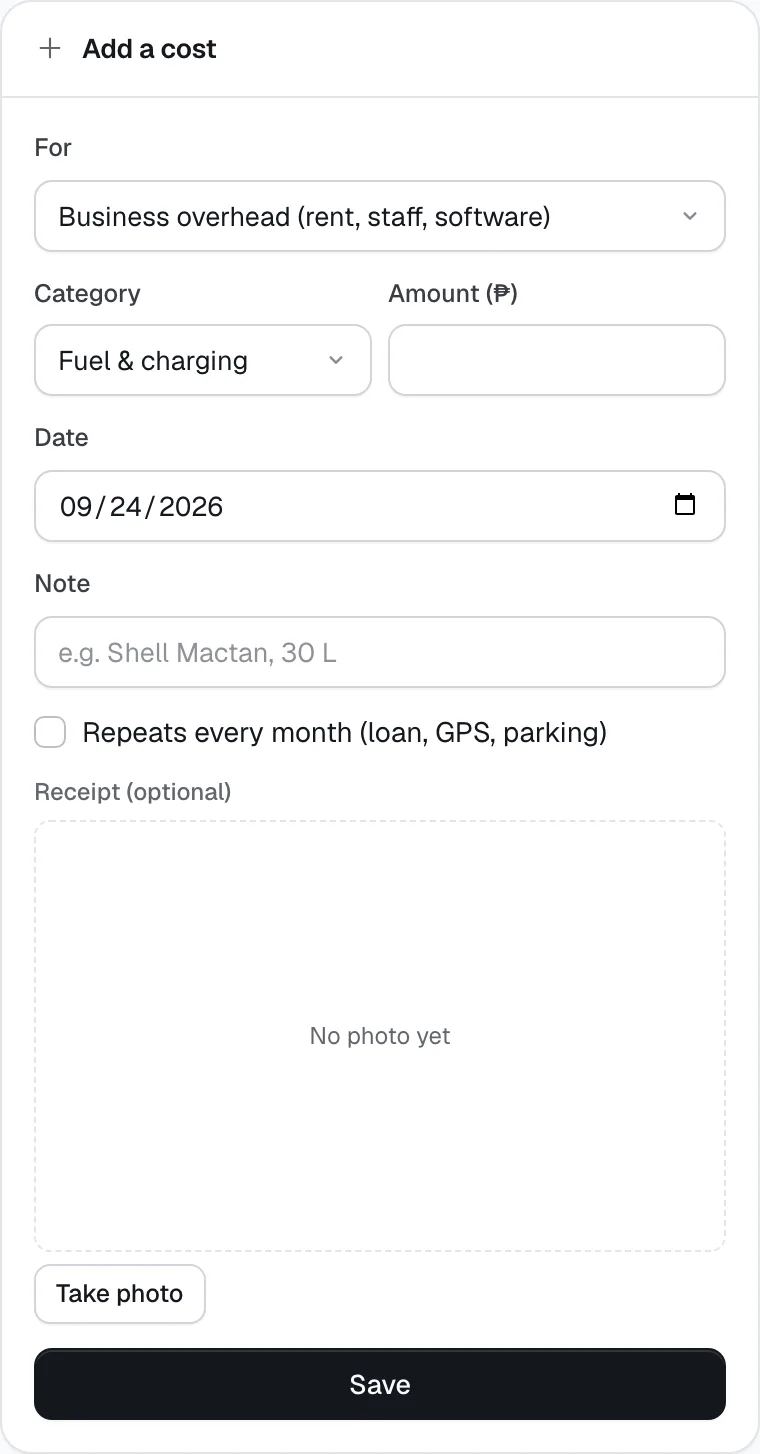
- Add a cost under Add a cost: pick a vehicle under For (or Business overhead (rent, staff, software)), a Category, the Amount (₱), the Date and a Note, then Save.
- Snap or attach the shop’s receipt with Receipt (optional).
- Set up a monthly cost — a car loan, GPS fee or parking slot — with Repeats every month (loan, GPS, parking) and a Day of the month.
- Stop a monthly cost with Stop in Monthly costs.
- Filter All costs by vehicle or Overhead only, download them with CSV, or delete a wrong entry with the bin icon.
- Check Spent, last 30 days, Fixed monthly costs and the Last 30 days by category chart.
- Jump to Profit per vehicle in Reports.
How it works
- Categories: Fuel & charging · Repairs & parts · Maintenance (PMS, oil, tyres) · LTO registration & emission · Insurance · Loan / amortisation · Parking & tolls · Cleaning & carwash · GPS & subscriptions · Other.
- A cost can’t be dated in the future, and the amount must be above ₱0.
- Monthly costs post themselves. From the Starting date, CeeRent adds a copy on the chosen day (1 to 28) every month, marked monthly and recorded by “System (monthly)”. Stop only stops future months — months already posted stay.
- Some costs are added for you: a cost entered when finishing a turnaround task (cleaning, refuelling), the fee for a Lalamove delivery, and the insurer’s share of partner cover a renter bought (the premium less your commission).
- Costs for a vehicle count against that vehicle in Reports; overhead is taken off once, from the total. Monthly entries posted automatically can’t be deleted one by one — stop the monthly cost instead.
- The list shows up to 200 costs at a time; CSV downloads the date, vehicle, category, amount, note and who recorded it.
- Repeats every month
- Save
Still not sure how it works?
Ask a person, in Filipino or English — Mon–Sat, 8:00–20:00 PHT.