Dashboard · Money
Cash drawer
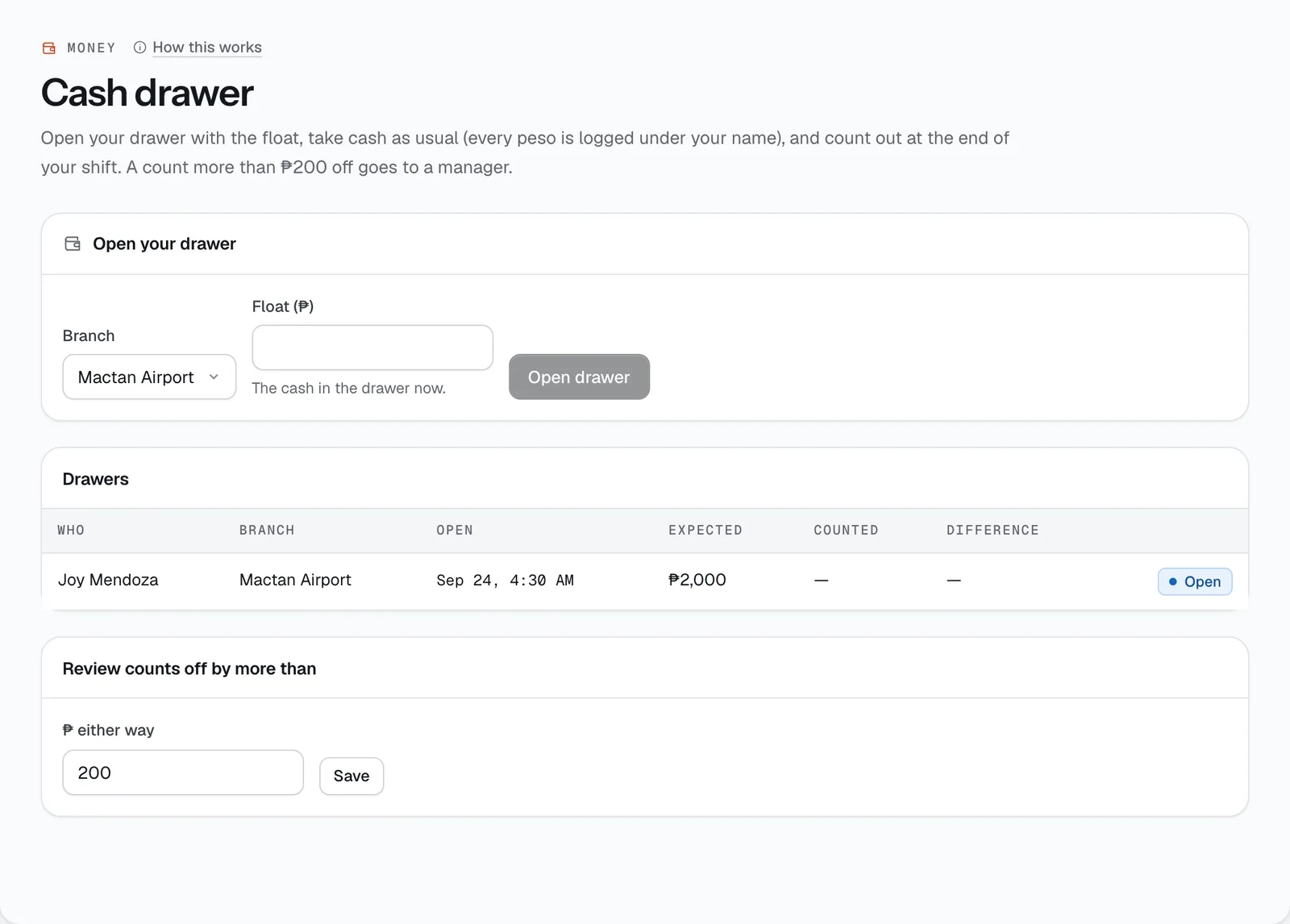
Cash at the counter, person by person: open your drawer with a float, take cash as usual, and count out at the end of your shift. A count that’s off by more than your limit goes to a manager.
- Where
- Money → Cash drawer
- Who can use it
- Owners, managers and front desk use a drawer; owners, managers and accountants review them.
- Plans
- Every plan.
- Checked
- Sep 25, 2026
What you can do
- Open your drawer with the Float (₱) you start with.
- See the cash payments and refunds you’ve taken since opening.
- Count out with Counted (₱). You see what was expected and any difference after you count, not before.
- Owners, managers and accountants see every drawer, today’s totals and cash taken outside an open drawer.
How it works
- Cash counts in the drawer of whoever takes it or hands it back at the counter — including cash deposits (Settings → Deposits → Cash at pickup), taken when you submit the pickup and handed back at a clean return. A cash refund needs someone at the counter; one issued online goes out as a manual payout instead.
- If the count is off by more than your limit (₱200 unless you change it in Settings), add what happened; it goes to Approvals for review. Nobody reviews their own drawer.
Still not sure how it works?
Ask a person, in Filipino or English — Mon–Sat, 8:00–20:00 PHT.